Getting Started
Multi-currency & exchange rates
Lode supports 150+ currencies for accounts, transactions, and bills. Free users get 5 automatic conversions per month; Premium users have unlimited.
Lode supports 150+ currencies — the full modern ISO set — for accounts, transactions, and bills. Rates refresh automatically so your totals stay accurate across currencies.
Exchange rates
The Exchange Rates section on the Dashboard shows live rates for your pinned currencies. Tap any row to open a detail view with a historical chart — choose between 1W, 1M, 3M, 6M, and 1Y timeframes.
Swipe left on a currency row and tap Pin to keep it at the top of the list. Tap Unpin to remove it.
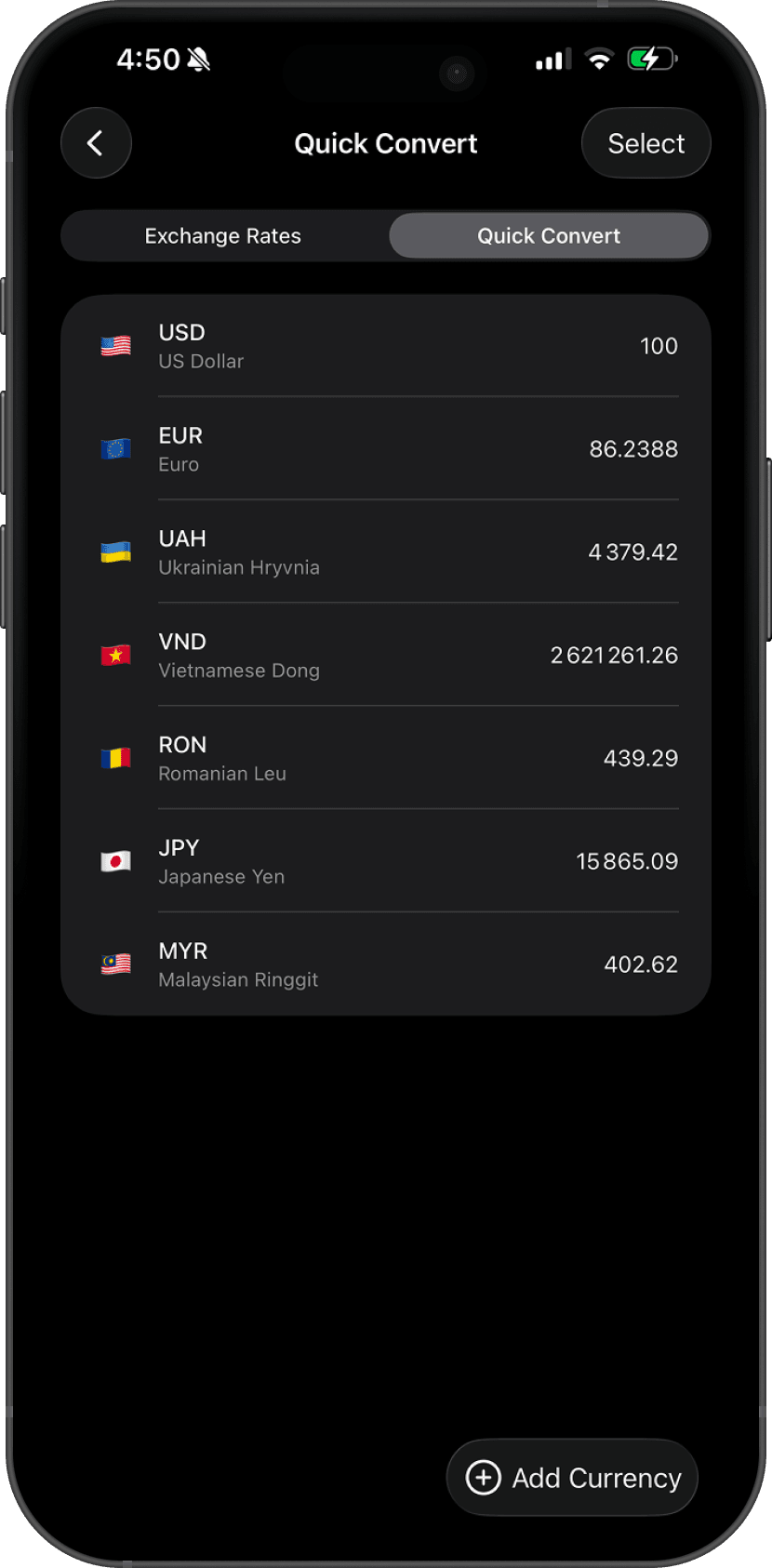
Quick Convert
Switch to the Quick Convert tab to calculate amounts between any pair of currencies. Tap Add Currency to add more pairs.
Free conversions
When a transaction or bill is in a different currency than its account, Lode performs an automatic conversion. Free users get 5 conversions per month — the counter resets at the start of each calendar month.
Premium users have unlimited conversions. The amount editor shows Free conversions left: N/mo so you always know your remaining balance.
Custom exchange rates
If you prefer not to use the live rate, you can enter a custom exchange rate manually when adding a transaction or bill.
Your base currency
Your base currency is used for all Dashboard totals and budget calculations. To change it, go to Settings → Currency.
Questions? Reach out at lodeapp@proton.me.