Widgets & Shortcuts
Siri & Shortcuts
Use Siri or the Shortcuts app to log expenses, check your balance, create goals, and get monthly reports with your voice.
Lode works with Siri and the Shortcuts app. Use voice to log expenses, check your balance, or get a monthly financial report.
Siri commands
Say any of these phrases to Siri:
Transactions
"Add a transaction in Lode"
"Add expense in Lode" / "Log expense in Lode"
"Show recent spending in Lode"
"How much did I spend in Lode"
Balances & budgets
"Check balance in Lode"
"What's my balance in Lode"
"Check budget in Lode"
"How's my budget in Lode"
Insights & reports
"Ask Lode about my finances"
"Analyze spending in Lode"
"Show monthly report in Lode"
Goals & currency
"Add savings goal in Lode"
"Create goal in Lode"
"Convert currency in Lode"
"Currency converter in Lode"
Search
"Search transactions in Lode"
"Find transactions in Lode"
Shortcuts app
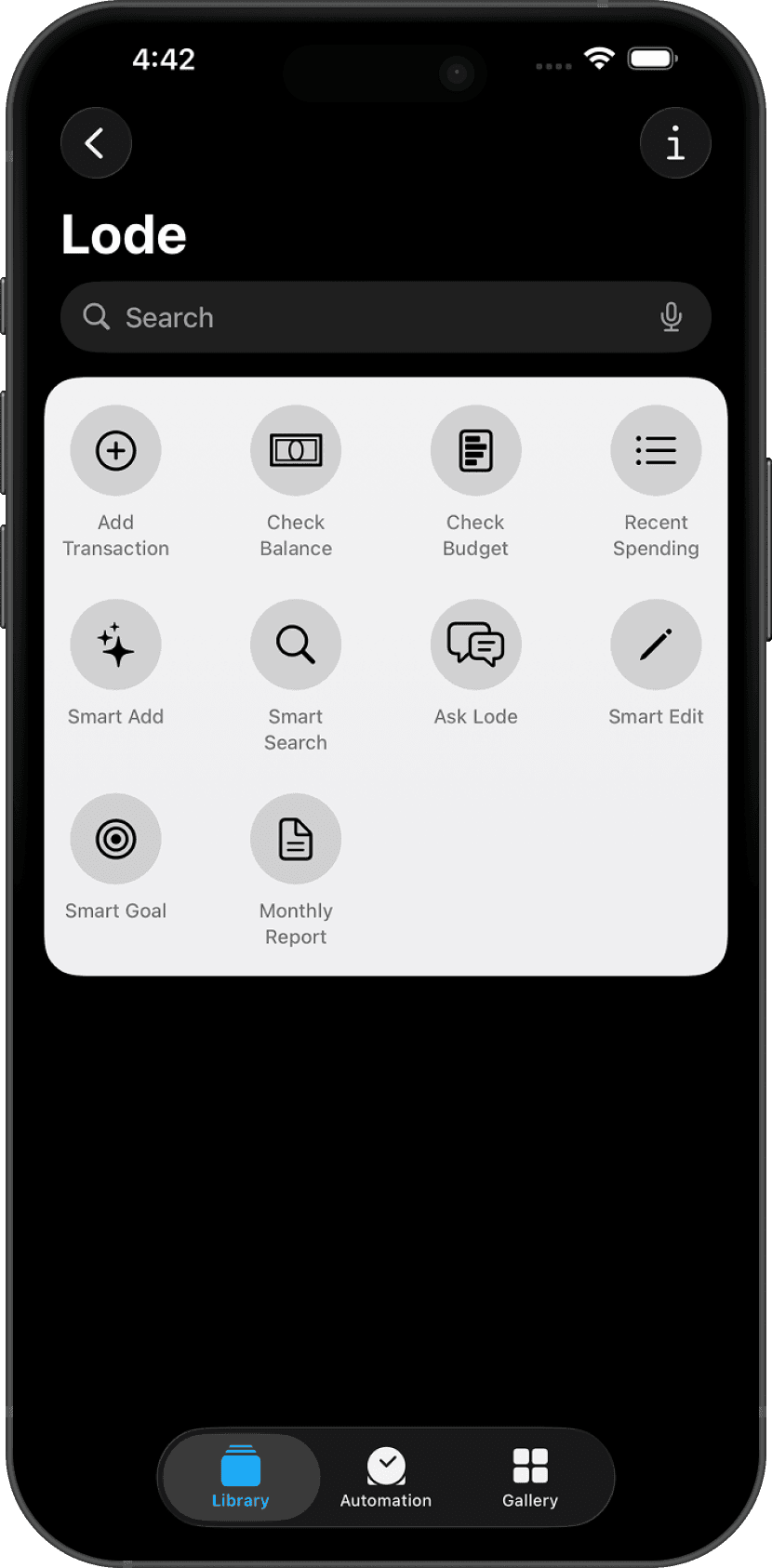
Open the Shortcuts app and search for Lode to see all available actions. You can build automations — for example, a shortcut that logs an expense with one tap from your Home Screen.
Available Lode actions include: Add Transaction, Check Balance, Check Budget, Show Recent Spending, Search Transactions, Ask Lode, Edit Transaction, Add Goal, Show Monthly Report, and Convert Currency.
Adding a shortcut to your Home Screen
Open the
Shortcutsapp.Find or create a shortcut using a Lode action.
Tap the shortcut →
Share→Add to Home Screen.
Questions? Reach out at lodeapp@proton.me.