Tracking & Planning
Goals & savings targets
Track savings goals with progress bars and optional deadlines. Contributions can be recorded manually or linked to your account balance.
Goals help you save toward a target — a vacation, emergency fund, new gadget, or anything else.
Creating a goal
From the Dashboard, scroll to the Goals section and tap +. You can also open the full goals list and tap +.
Enter a name and target amount. Add a deadline if you have one. Choose an icon and color to personalize the goal. Templates like Emergency Fund, Vacation, New Car, House, Education, Wedding, Gadget, and Retirement give you a quick start.
Adding contributions
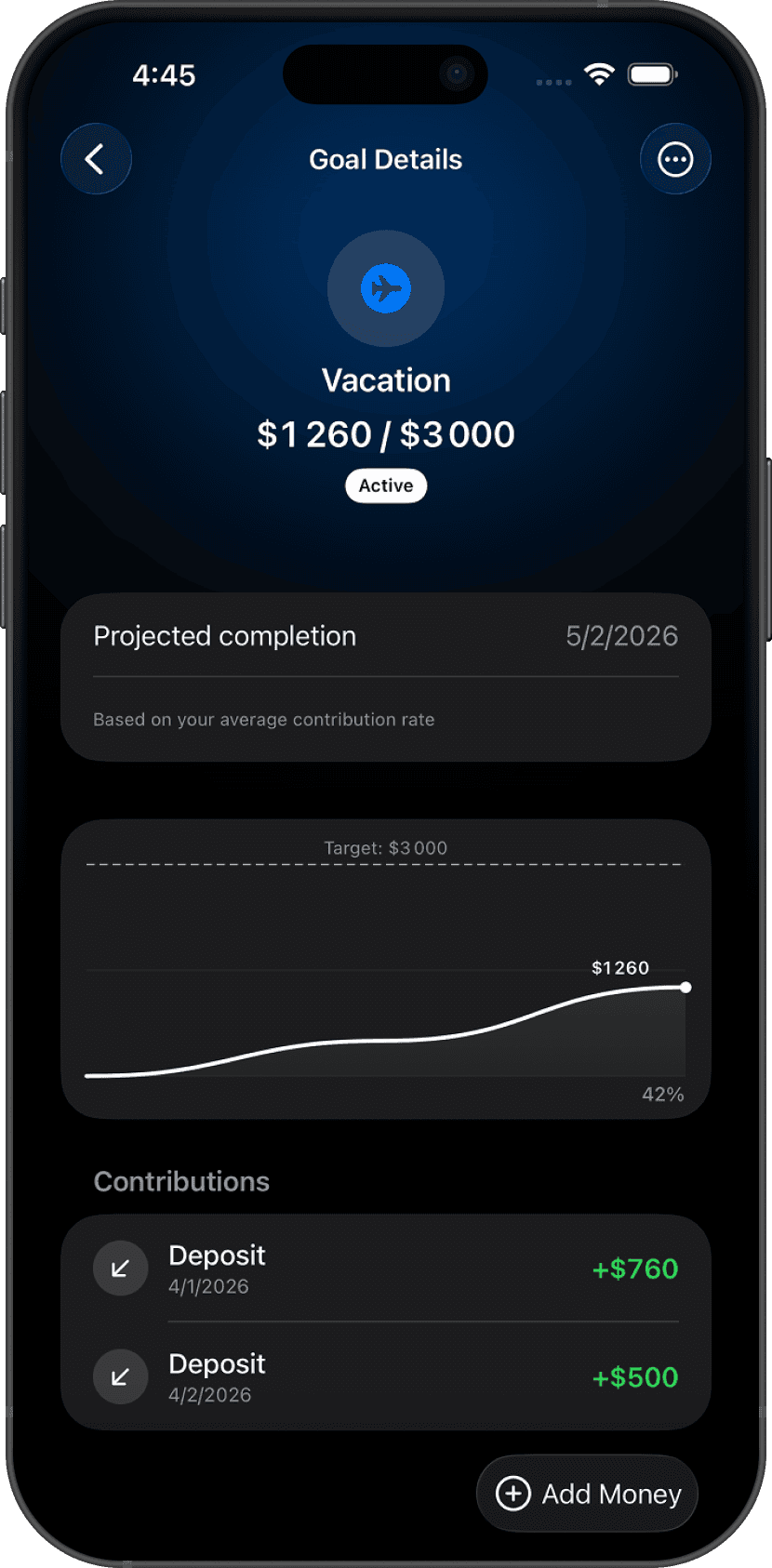
Open a goal and tap + to record a contribution. Enter the amount, choose a date, and add an optional note. Your progress bar updates immediately.
When your total reaches the target amount, the goal is automatically marked as completed.
Move money from an account
Enable Move money from account and select a funding account to have contributions affect your real account balance. Each contribution creates a transaction that reduces the account balance; withdrawals add money back.
Leave this off to track progress without touching any account.
Deadline & reminders
Toggle Due Date to set a deadline. Configure a reminder to notify you on the deadline day or a set number of days before it.
Dashboard card
Goals are pinned to the Dashboard by default. Unpin from the goal editor or reorder goals manually in the list view.
Questions? Reach out at lodeapp@proton.me.